
CosmicSpins Casino App
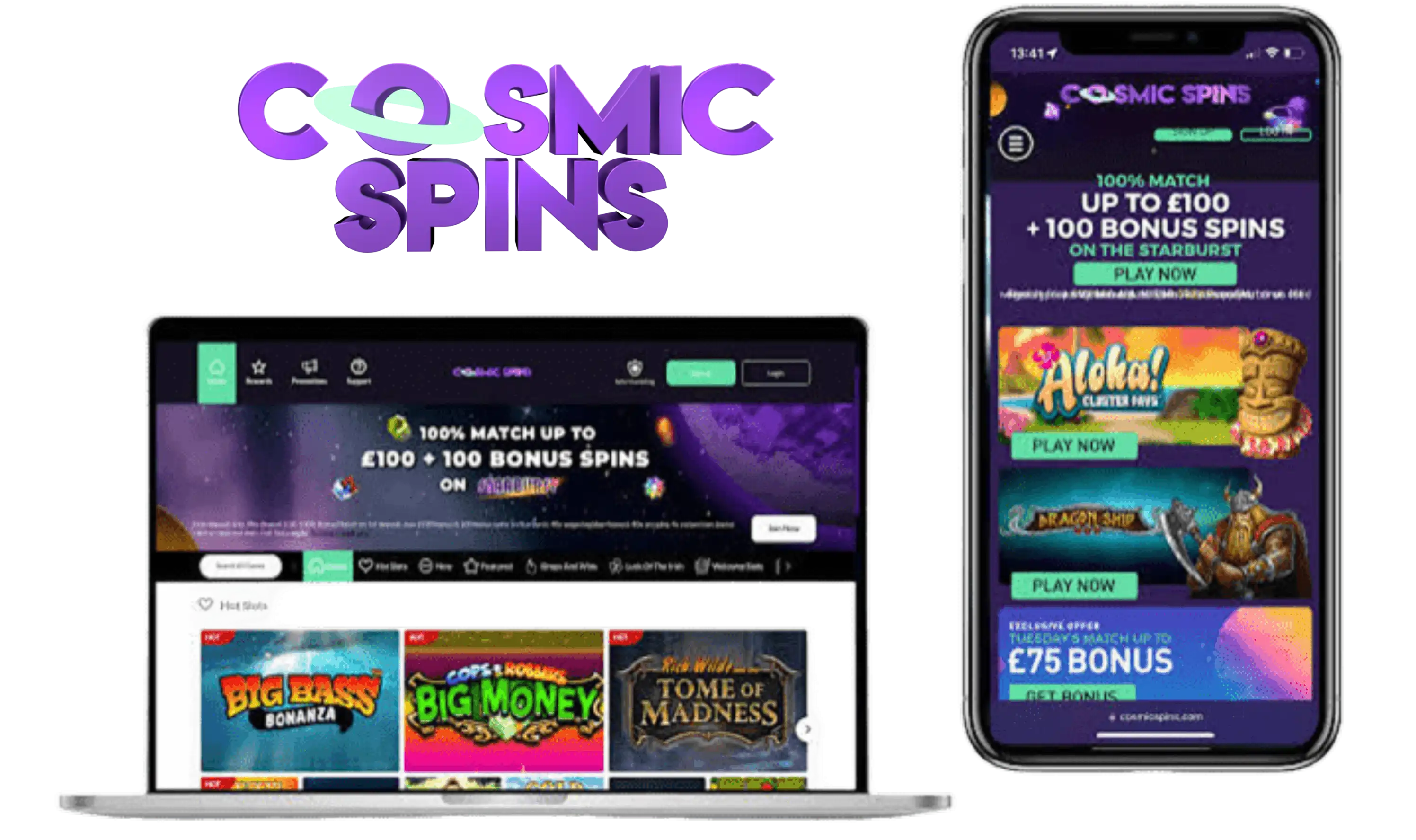

At CosmicSpins Casino, we know that modern players want their favourite games available wherever they go. That's why we've built our mobile app to bring the full casino experience straight to your phone or tablet. Whether you're waiting for a bus or relaxing at home, our CosmicSpins app puts slots, live casino tables and everything in between right in your pocket.
We've designed our mobile platform to be fast, secure and simple to navigate, so you can spend less time figuring out menus and more time enjoying the games you love. Below, we'll walk you through everything you need to know about downloading, installing and getting the most out of the app.
App Security and Licensing
We at Cosmic Spins operate under a licence issued by the UK Gambling Commission (licence number 57869), and our gambling software is provided under the same licence by Grace Media (Gibraltar) Limited. This means every transaction, game outcome and personal detail you share with us is handled according to strict regulatory standards.
Our app uses encrypted connections to protect your data whenever you log in, deposit or play. We've built the platform with player safety as a priority, so you can focus on enjoying the games rather than worrying about security.
Why Players Choose Our Mobile Platform
- No download required - just add the shortcut and go
- Full game library available on Android and iOS
- Live casino tables running smoothly on mobile data or Wi-Fi
- Fast, secure banking with a wide range of methods
- 24/7 customer support whenever you need assistance
- Weekly Rewards Club offering free spins to loyal players
Getting the Cosmic Spins App on Your Device
Our app works smoothly across a wide range of Android and iOS devices. Since we operate as a browser-based platform, there's no need to search app stores - you simply access everything through your mobile browser, and we'll guide you through saving it as an app icon for quick future access.
For Android Users
- Open your preferred mobile browser and visit our official website
- Log in or register your account
- Tap the browser menu and select "Add to Home Screen"
- Confirm the shortcut, and the CosmicSpins icon will appear on your device
- Tap the icon anytime to launch the app instantly
For iOS Users
- Open Safari and navigate to our website
- Sign in to your account or create a new one
- Tap the "Share" icon at the bottom of the screen
- Select "Add to Home Screen" and confirm
- Launch Cosmic Spins directly from your home screen going forward
Signing In and Setting Up Your Account
Logging into Cosmic Spins is quick once you've saved the app shortcut. Just tap the icon, enter your username and password, and you're ready to play. If you haven't registered yet, our sign-up process takes just a few minutes - visit our CosmicSpins Casino registration page for a full step-by-step walkthrough of creating your account and verifying your details.
Games You Can Play On Mobile
Our CosmicSpins slots library includes close to 1000 titles from providers such as NetEnt, Pragmatic Play, Play'n GO, Blueprint Gaming, Red Tiger, Yggdrasil and ELK Studios, among others. Everything renders smoothly on mobile screens, from classic three-reel slots to modern video slots with bonus rounds and progressive jackpots.
- Slots, including jackpot titles
- Roulette in multiple variants
- Table games such as blackjack and craps
- Live casino games powered by LuckyStreak, including blackjack, roulette and game shows
- Scratch cards and video poker
Whether you're after a quick spin session on Big Bass Bonanza or want to sit at a live dealer table, our mobile app handles it all without lag or interruption.
Banking On the Go
Cosmic Spins deposits and withdrawals are just as easy to manage from your phone as from a desktop. We accept Mastercard, Visa, Apple Pay, Google Pay, PayPal, MuchBetter, Pay by Bank via Trustly, AstroPay and bank transfer, with Interac Online and e-Transfer available for Canadian players.
| Banking Detail | Information |
|---|---|
| Minimum Deposit | £5 |
| Minimum Withdrawal | £10 (below this, contact live chat) |
| Withdrawal Limit | £10 - £10,000 per transaction |
| Processing Time | Up to 48 hours for review |
| Cashout Time | 1-5 working days depending on method |
We always try to send withdrawals back to your last used deposit method. If that's not possible, we'll arrange payment to a verified bank account in your name instead.
Claiming Bonuses Through the App
Our CosmicSpins app gives you full access to promotions directly from your mobile device. New players can take advantage of our welcome offer, while returning members can check the Weekly Rewards Club for free spins credited every Monday. For complete terms on our current offers and how to activate them, head over to our dedicated CosmicSpins Casino bonus page.
| Bonus Type | Details |
|---|---|
| Welcome Offer | Deposit £20 minimum, wager £20 on slots, receive 50 Free Spins on Big Bass Football Bonanza |
| Maximum Redemption | £50 |
| Spin Value | 10p per spin |
| Crediting Time | Within 7 days of qualifying deposit |
| Validity | 7 days once credited |
The Cosmic Spins welcome bonus is available to first-time depositors only, with one claim allowed per customer. Be sure to select the promotion from the deposit drop-down menu before making your qualifying deposit, otherwise the offer won't apply.
Our Customer Support
We offer several ways to reach our team directly from the app if you ever run into questions:
- Live Chat: Available 24/7, 365 days a year
- Email: cosmicspins@gracemediasupport.com
- SMS: +447700143450
- FAQs: Answers to common questions on our website

Final Thoughts
Join CosmicSpins today and discover how convenient mobile gaming can be. Between the extensive slots collection, live dealer tables, fast banking options and round-the-clock support, we've made sure everything you need is available right from your browser-based app. There's no clunky download process - just quick access to the games you enjoy, whenever you want to play.
FAQ
Do you have a downloadable app in the app stores?
No, we don't offer a traditional app store download. Instead, we provide a browser-based app experience that you can save directly to your home screen for one-tap access.
Is the CosmicSpins app free to use?
Yes, accessing and using our app is completely free. You only need funds in your account when you're ready to deposit and play.
Which devices are compatible with your app?
Our platform works on most modern Android and iOS smartphones and tablets, as long as you have an updated browser installed.
Can I claim bonuses through the mobile app?
Yes, all our promotions, including the welcome offer and Weekly Rewards Club spins, are accessible directly through the app.
What should I do if I have trouble logging in?
We recommend reaching out to our live chat team, available 24/7, and they'll help resolve any access issues quickly.
Are withdrawals processed differently through the app?
No, withdrawal processing times and methods remain the same whether you request them through the app or desktop site.
Content updated: September 22, 2026